


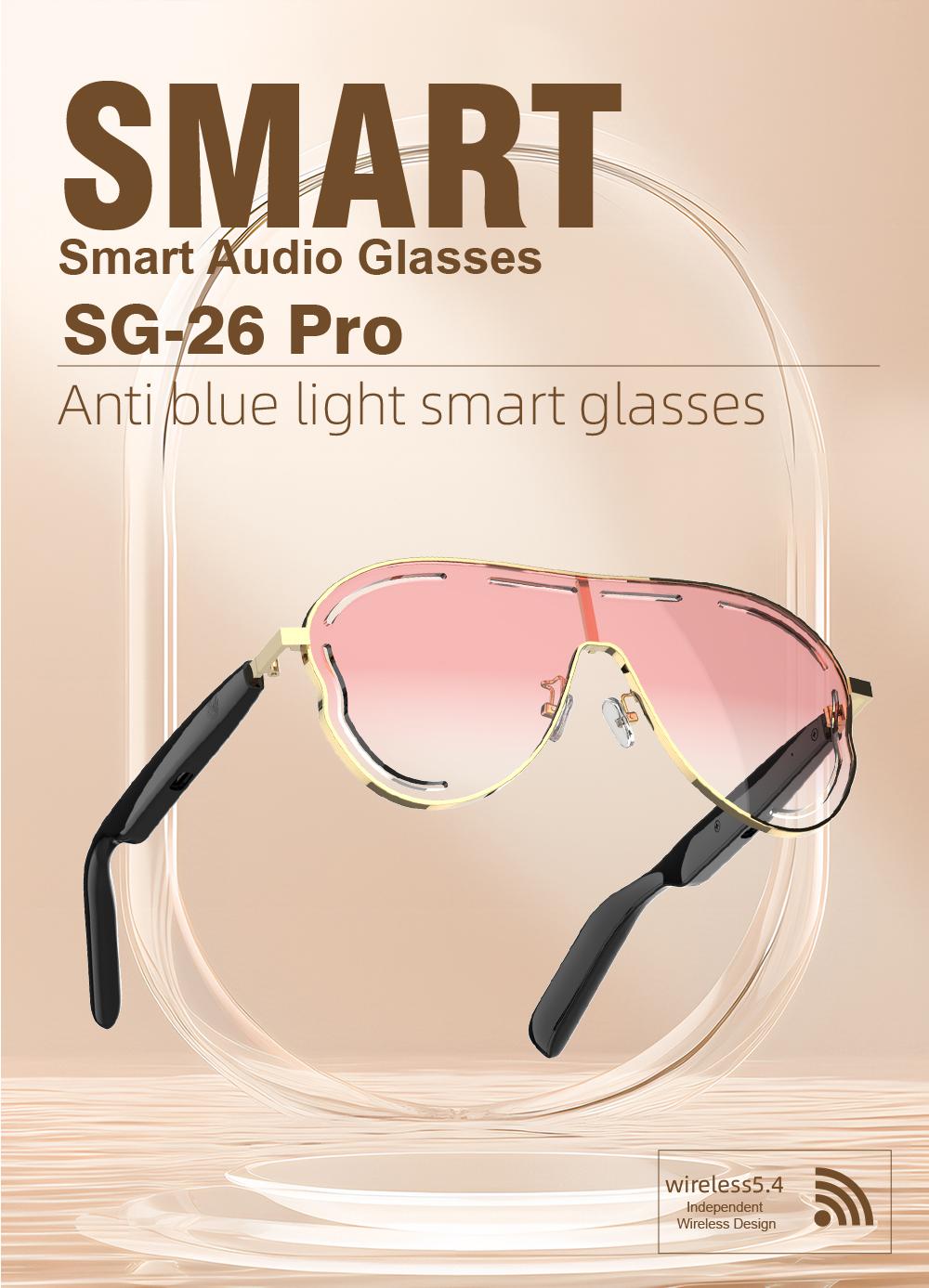
Smart Bluetooth 5.4 Audio Sunglasses – Open-Ear Wireless Music Glasses with UV Protection & Hands-Free Calling
Smart Bluetooth 5.4 Audio Sunglasses – Open-Ear Wireless Music Glasses with UV Protection & Hands-Free Calling


Couldn't load pickup availability
Money-Back Guarantee
Money-Back Guarantee
If you're not completely blown away by the experience, we'll give you a full refund no questions asked, you have 30 days to request a return.
100% Secure Check Out
100% Secure Check Out
Your information is fully protected with top-notch security technology. Shop with complete confidence and peace of mind.
Sale – Last 48 Hours!
Sale – Last 48 Hours!
Once the promotion ends, the product will return to its original price.
Order now before it's sold out again!
Smart Sunglasses That Let You Hear the World üéßüòé
Upgrade your everyday eyewear with the perfect blend of fashion and technology.
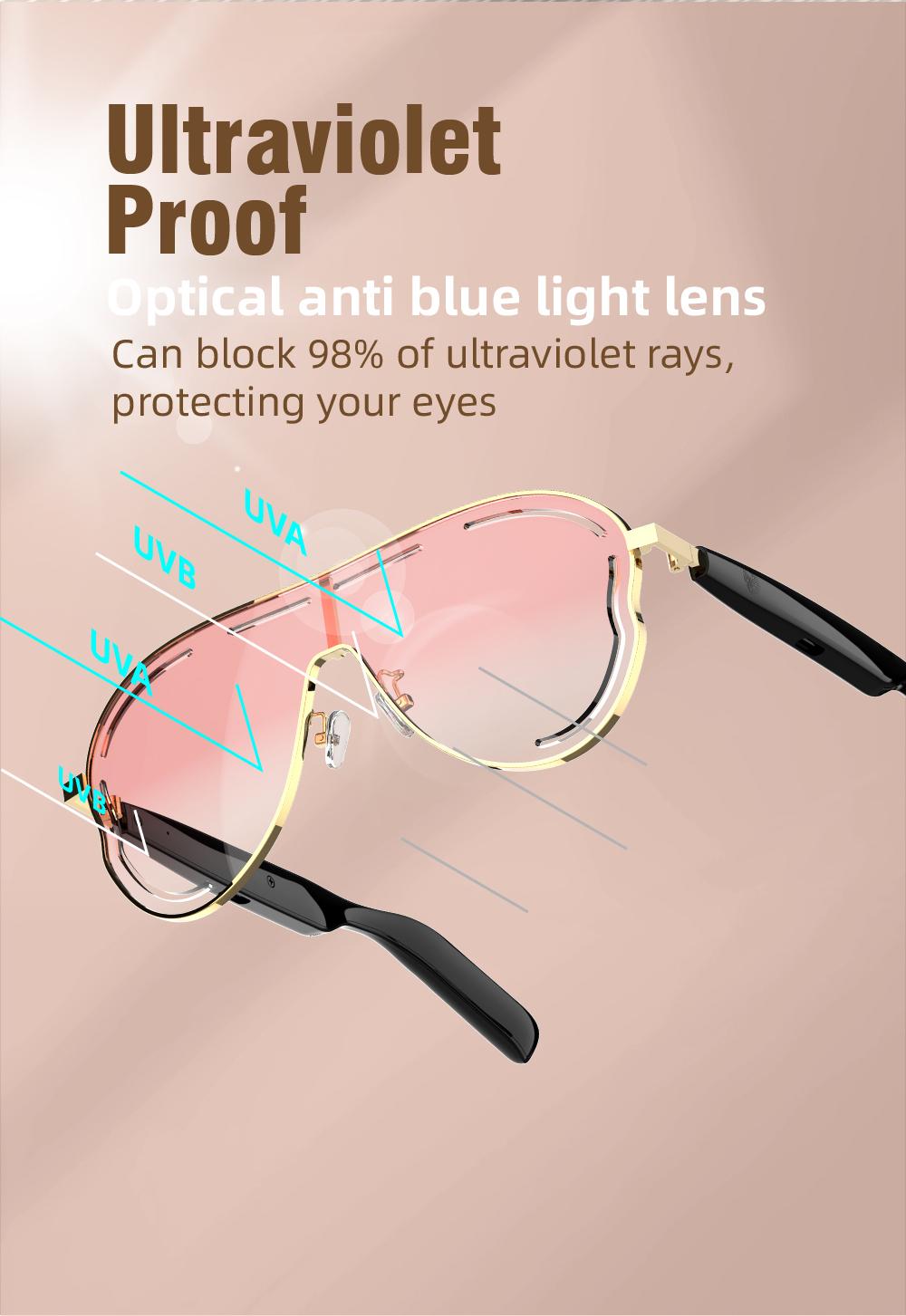
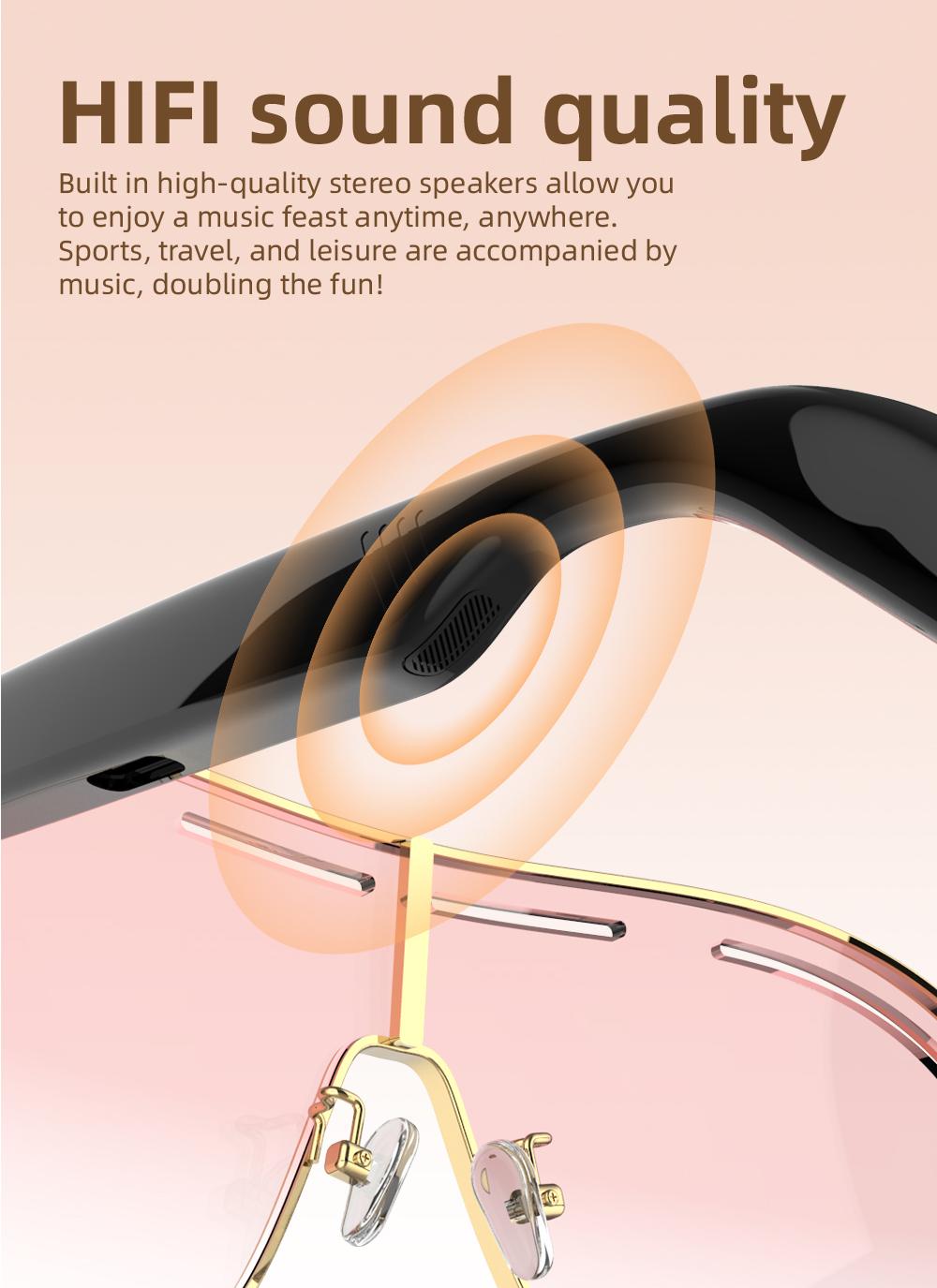
Smart Bluetooth Sunglasses combine stylish UV-protection lenses with open-ear audio, wireless calling, and crystal-clear music — all without blocking your surroundings.
Perfect for driving, cycling, workouts, travel, outdoor sports, and daily wear.
Important Usage Notes
üîî Smart Glasses Setup & Operation
To ensure the best experience, please read the following instructions before use:
- Both sides of the smart glasses must be powered on simultaneously before connecting to your phone.
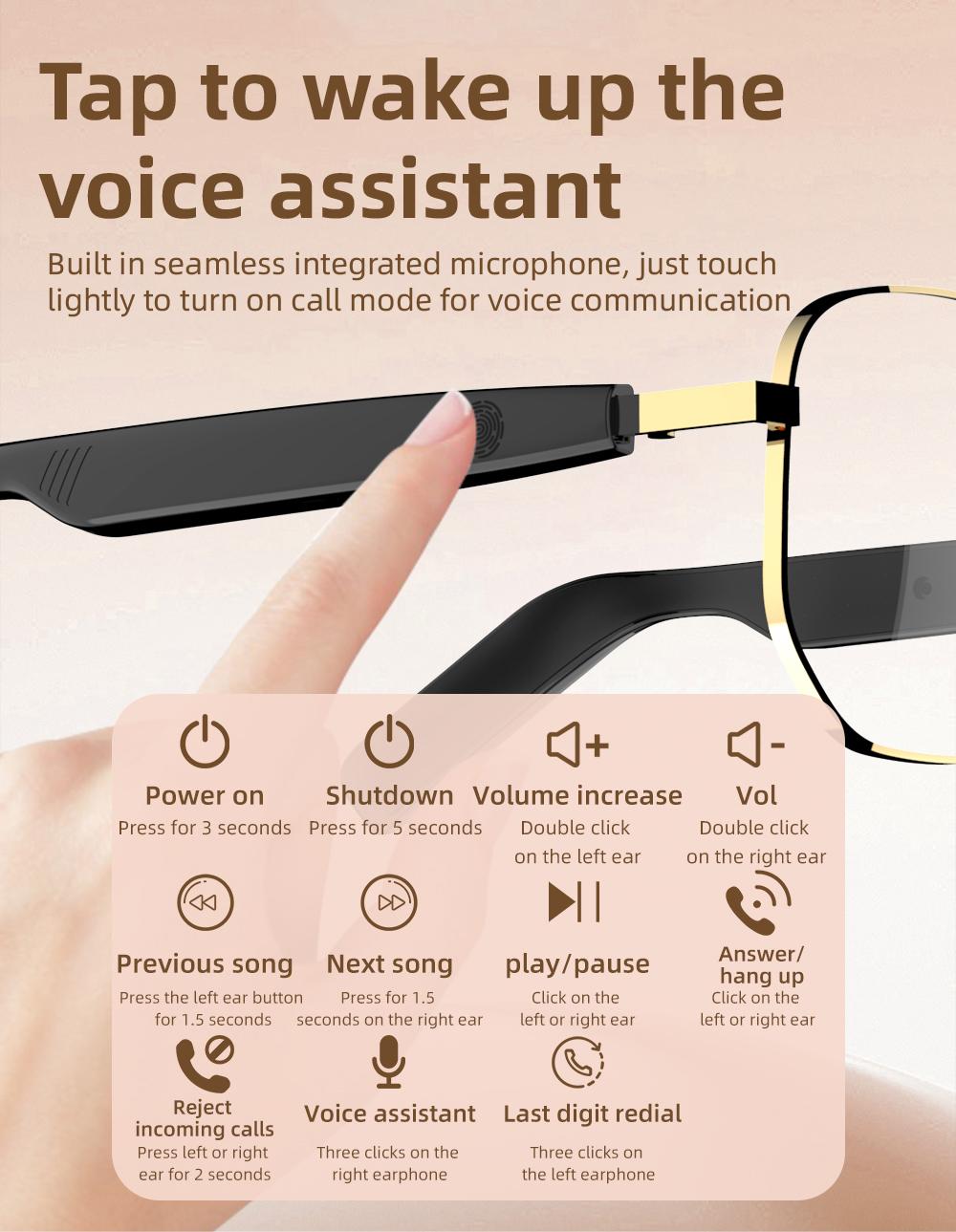
- Press and hold the touch areas on both temple arms for about 3 seconds to turn the glasses on.
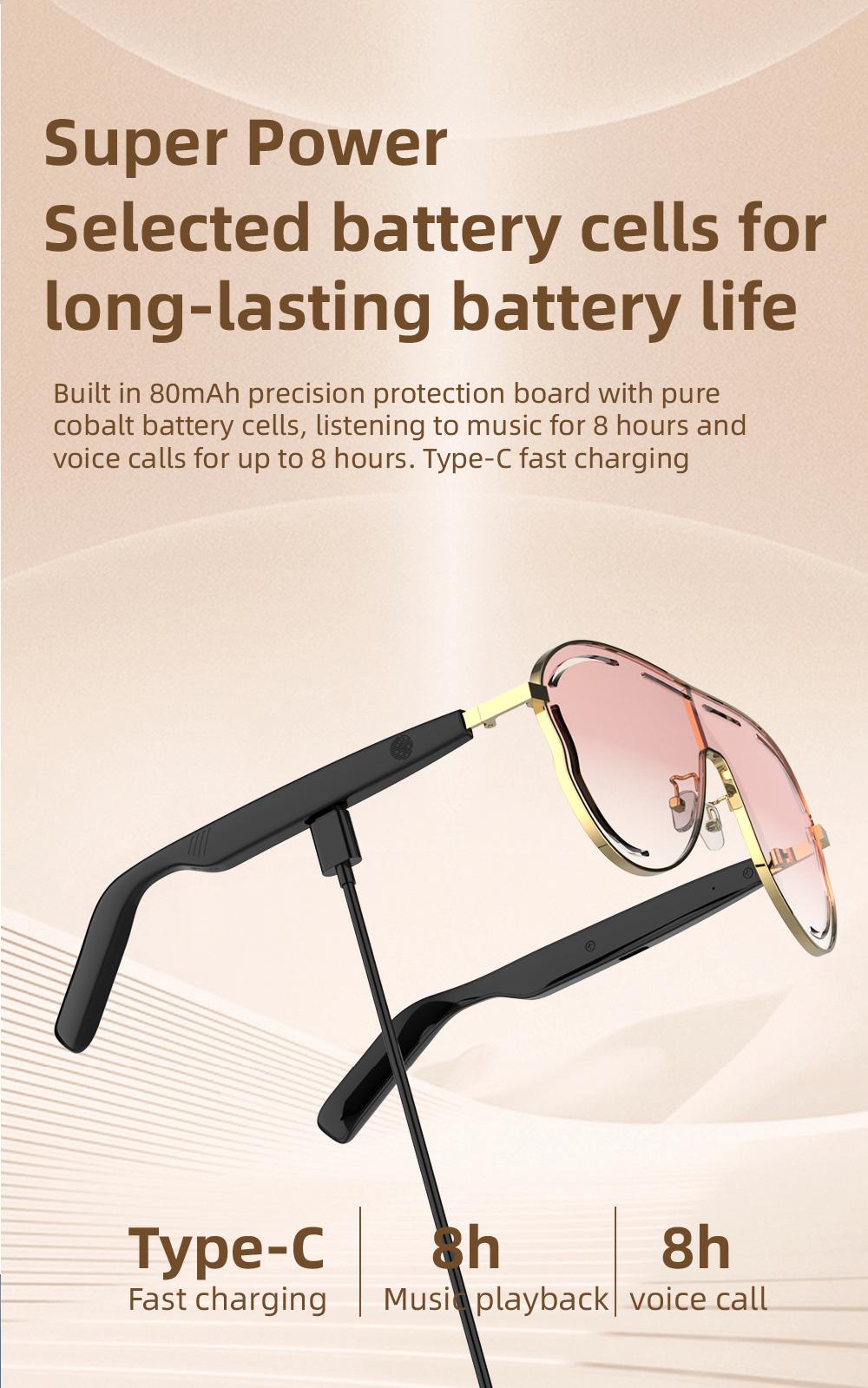
- Battery life lasts approximately 4–5 hours depending on volume level and usage.
- No app download required — simply connect via Bluetooth after powering on.
Touch Control Functions
- ‚ñ∂ Tap once: Play / Pause music or Answer / Hang up calls
- ‚è≠ Double tap: Previous / Next track
- üé§ Triple tap (right side): Activate voice assistant
- üì∑ Triple tap: Remote camera control
If Only One Side Has Sound
Please reset the glasses using the steps below:
- Delete the previous Bluetooth connection from your phone.
- Press and hold both temple arms for 5 seconds to power off the glasses.
- Press and hold both sides again for about 5 seconds to turn them back on.
- Reconnect the glasses through your phone’s Bluetooth settings.
This will restore dual-side audio connection properly.
Fashion Meets Technology ‚ú®
Stay connected, enjoy music, and protect your eyes — all from one sleek wearable device.
Smart Audio Sunglasses make every day smarter and more stylish.


